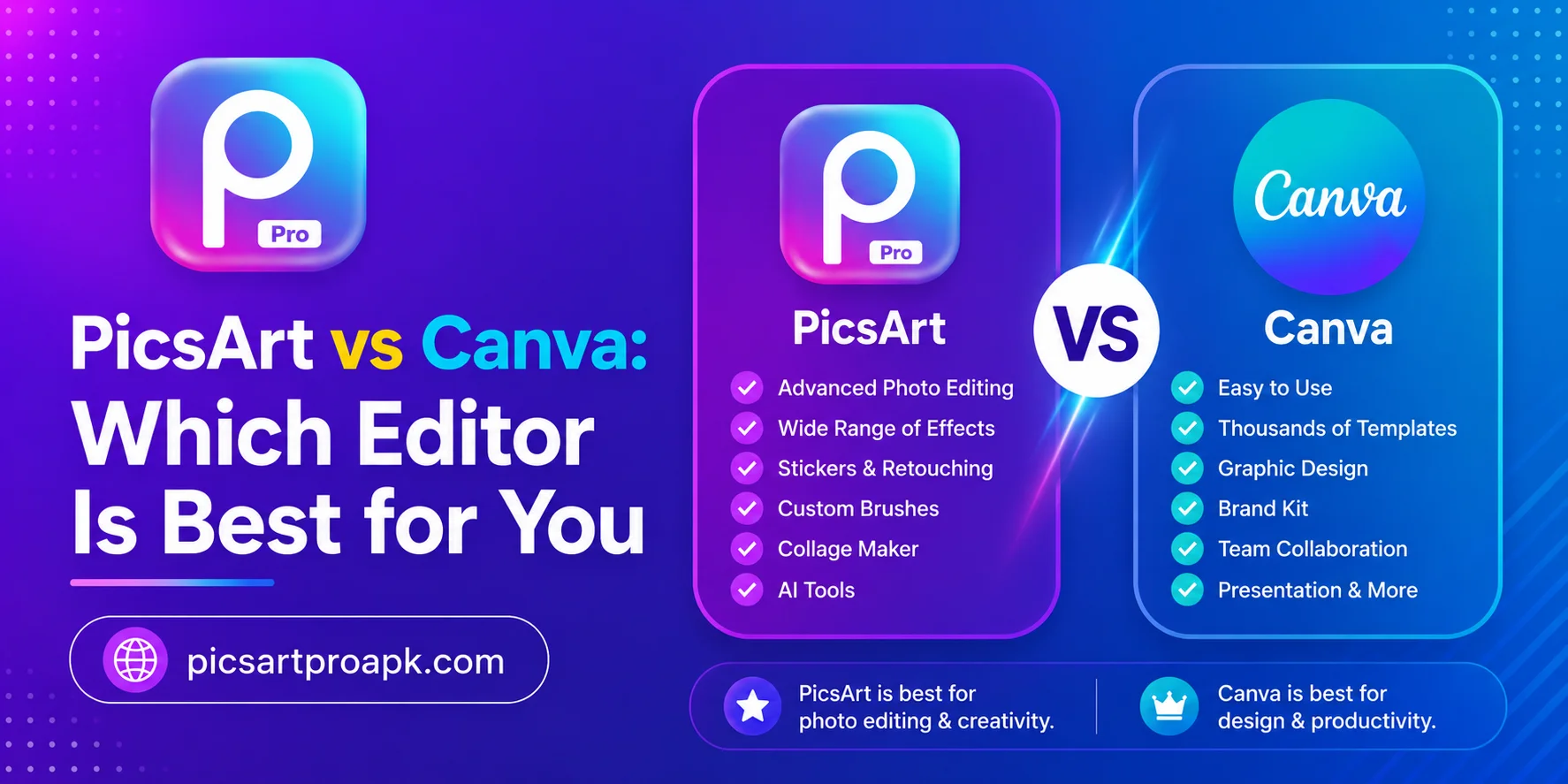
PicsArt vs Canva: Which Editor Is Best for You
Choosing the right editing app can save time and improve final results. Both PicsArt and Canva are popular but built for slightly different needs. PICSARTPROAPK.COM breaks down the difference to help you pick the right tool.
Overview of Both Apps
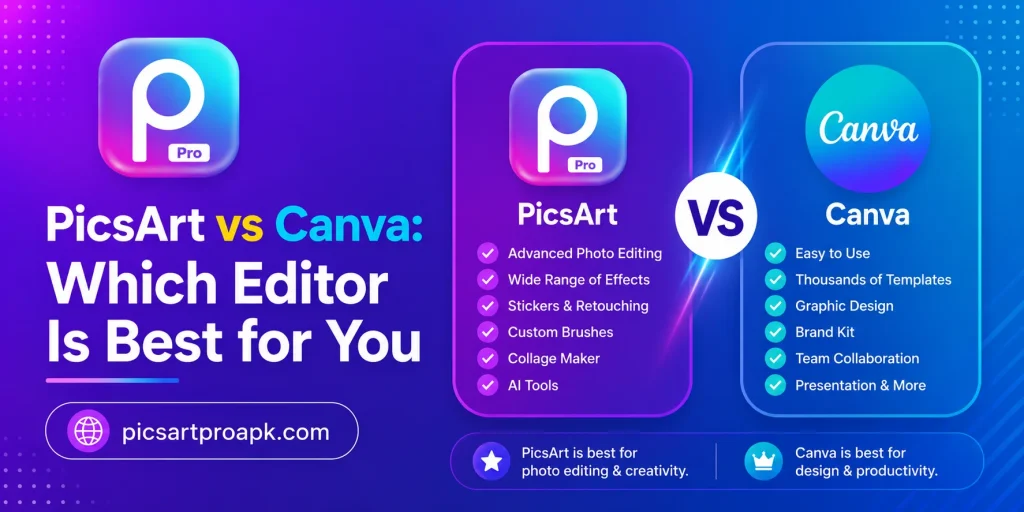
PicsArt focuses more on photo editing, retouching, and creative effects. Canva leans toward graphic design, templates, and layout based content. Understanding this core difference helps decide which app fits your daily tasks.
What PicsArt Offers
PicsArt gives strong tools for photo editing, background removal, and AI based features. It suits users who want to enhance real photos with detailed control. The app also supports drawing, collage making, and video editing in one place.
What Canva Offers
Canva focuses on templates for posters, presentations, and social media posts. It works well for users who need quick designs without deep photo editing skills. The drag and drop layout makes it beginner friendly for graphic tasks.
Feature Comparison Table
The table below highlights the main differences between both apps.
| Feature | PicsArt | Canva |
|---|---|---|
| Photo Editing | Strong and detailed | Basic adjustments only |
| Templates | Limited compared to Canva | Large template library |
| Background Removal | One click AI tool | Available in paid plan |
| Video Editing | Built in tool included | Limited video features |
| AI Tools | AI replace, avatar, image generator | Basic AI design suggestions |
| Learning Curve | Slightly higher for editing | Easier for quick designs |
Photo Editing Comparison
Photo editing quality often decides which app fits daily needs better.
PicsArt Photo Editing
PicsArt offers detailed tools like retouch, clone, and dispersion effects. Users can adjust lighting, remove objects, and apply advanced filters. This makes it a strong choice for photographers and content creators.
Canva Photo Editing
Canva provides simple filters, cropping, and basic color adjustments. It does not offer deep retouching or advanced photo manipulation tools. This app works better for quick edits rather than detailed photo work.
Design and Template Comparison
Templates play a big role for users creating posters, cards, or social posts.
PicsArt Templates
PicsArt includes templates but with fewer categories compared to Canva. The focus stays more on photo based templates rather than full graphic layouts. Users often combine templates with photo editing tools for a complete design.
Canva Templates
Canva offers thousands of templates across categories like business, education, and events. The drag and drop system makes customizing templates fast and simple. This makes Canva a strong choice for presentations and marketing materials.
AI Tools Comparison
Artificial intelligence features are becoming a key factor in choosing an editing app.
- PicsArt AI Tools: Image generator, AI replace, avatar creation, and background tools
- Canva AI Tools: Design suggestions, text to image in limited plans, and layout assistance
- Best For Detailed Editing: PicsArt due to deeper AI photo control
- Best For Quick Design Ideas: Canva due to smart template suggestions
Pricing Comparison
Budget often plays a big role when choosing between two similar apps.
PicsArt Pricing
PicsArt offers a free version with basic tools and ads. Premium and Gold plans unlock advanced features like AI tools and no watermark exports. PICSARTPROAPK.COM provides guidance on accessing more features without extra cost.
Canva Pricing
Canva also has a free plan with limited templates and features. The Pro plan unlocks premium templates, background removal, and brand kits. Pricing structures are similar but feature access differs between both apps.
Which App Should You Choose
The right choice depends on the type of work you do most often.
- Choose PicsArt for detailed photo editing and creative effects
- Choose Canva for quick graphic design and social media templates
- Choose PicsArt for AI powered photo tools and background removal
- Choose Canva for presentations, posters, and layout heavy projects
- Consider using both apps together for different parts of a project
Community and Sharing Features
Both apps offer ways to connect with other users and share creative work. This social aspect can influence which app feels more engaging over time.
PicsArt Community
PicsArt includes a built in social feed where users share edits and get feedback. This community aspect encourages creative experimentation and skill growth. Many users find inspiration by browsing trending edits from other members.
Canva Community
Canva focuses less on social sharing and more on team collaboration features. Businesses often use shared workspaces to collaborate on design projects together. This makes Canva better suited for team based design work rather than individual creative sharing.
Mobile vs Desktop Experience
Both apps perform differently depending on the device being used for editing.
PicsArt Across Devices
PicsArt was originally built as a mobile first app and performs strongly on phones. The desktop version exists but some users find the mobile experience more polished. PICSARTPROAPK.COM notes that most PicsArt users primarily edit through the mobile app.
Canva Across Devices
Canva offers a strong desktop experience alongside its mobile app, particularly for larger design projects. Users creating presentations or detailed marketing materials often prefer the desktop version for extra screen space. Both platforms sync projects for continued editing across devices.
Who Should Choose Each App
Specific user types tend to benefit more from one app over the other based on their typical projects.
- Photographers benefit more from PicsArt’s detailed editing tools
- Marketing teams benefit more from Canva’s template library and collaboration
- Content creators may use both apps depending on the content type
- Small business owners often start with Canva for quick branded designs
- Hobbyist editors often prefer PicsArt for creative photo experimentation
Cost Effectiveness Over Time
Considering long term value helps decide which app fits a budget better.
PicsArt Value
PicsArt’s free version covers many basic editing needs without cost. The premium plan adds significant value through AI tools and watermark removal. This makes it a strong value option for users focused on photo editing.
Canva Value
Canva’s free plan works well for occasional design needs with basic templates. The Pro plan’s value increases significantly for users creating frequent branded content. Teams often find the collaboration features worth the subscription cost.
Frequently Asked Questions
Can PicsArt replace Canva completely? PicsArt can handle many design tasks but lacks Canva’s large template library. PICSARTPROAPK.COM suggests using PicsArt mainly for photo focused projects.
Is Canva better for beginners? Canva’s drag and drop system is easier for users with no design background. PicsArt may require slightly more learning for advanced photo tools.
Which app is better for social media content? Both apps work well, but PicsArt suits photo heavy posts while Canva suits text and template heavy posts.
Do both apps offer mobile versions? Yes, both PicsArt and Canva have full mobile apps available for Android and iOS devices.
Final Thoughts
PicsArt and Canva serve different purposes despite some overlap in features. PicsArt shines in photo editing and AI tools while Canva excels in templates and quick design work. Visit PICSARTPROAPK.COM to download PicsArt and experience its photo editing tools firsthand.